
In this article, learn how to download Magic Links for a property.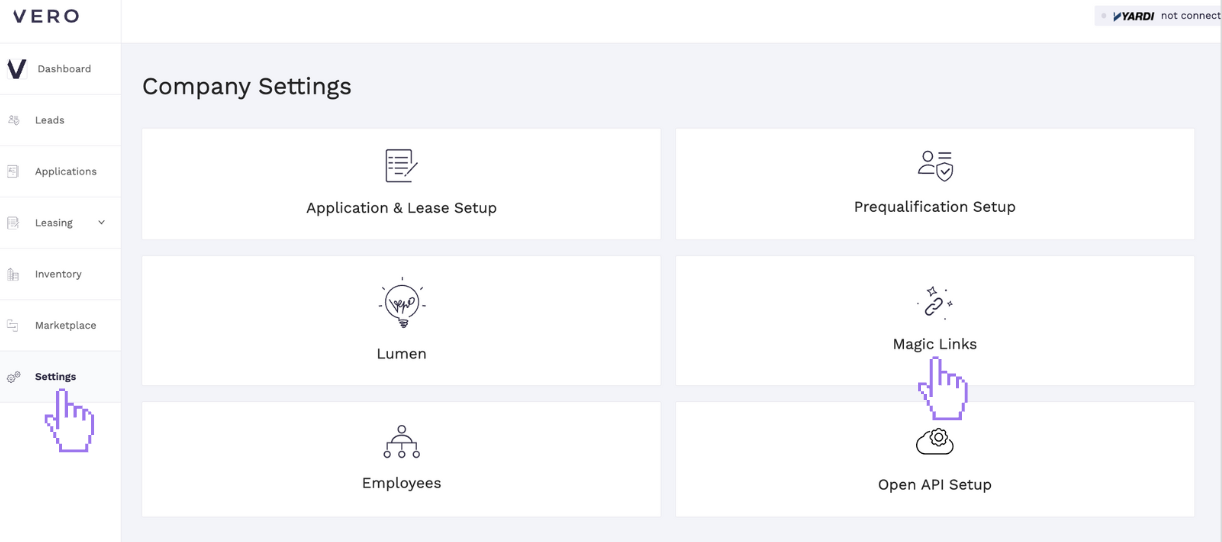
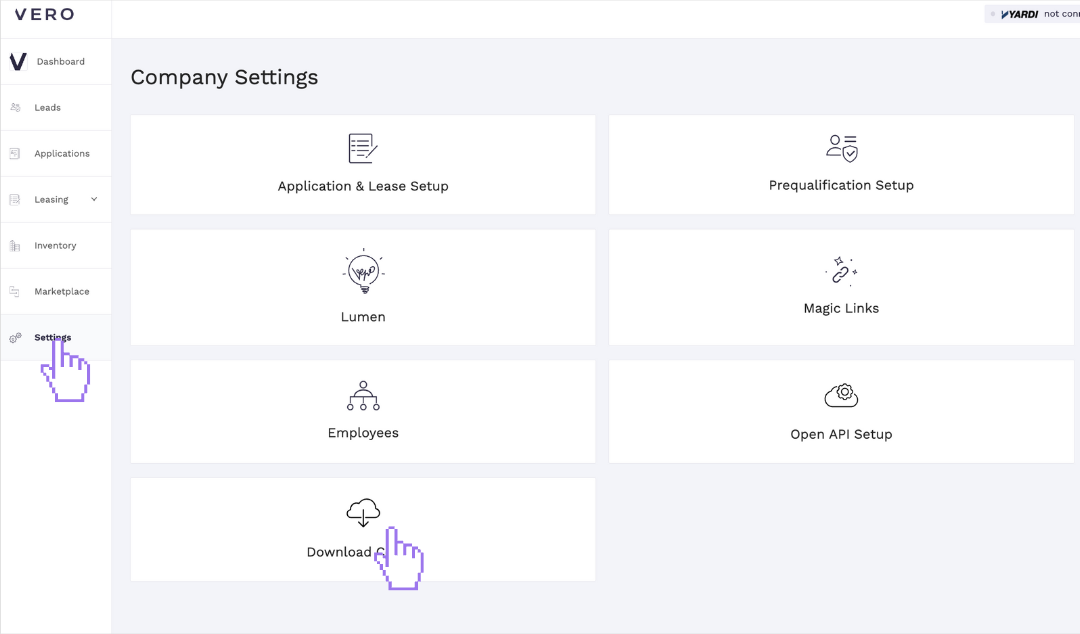

From anywhere in the manager portal:
Click Settings
Magic Links
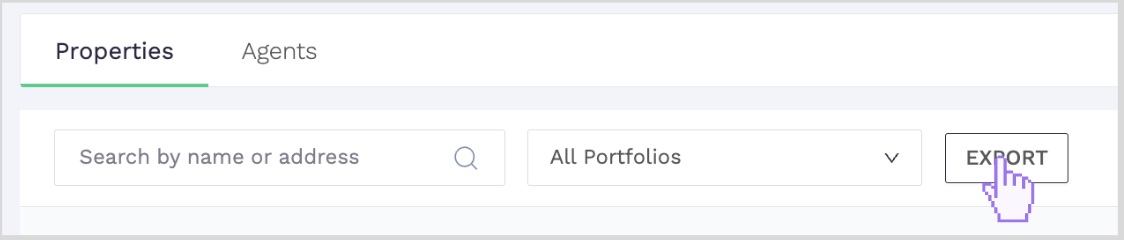
On the Magic Links page, you will have a number of filter options:
Property name
Property Address
All portfolios
Default portfolios
Once you have the specific location selected, click EXPORT
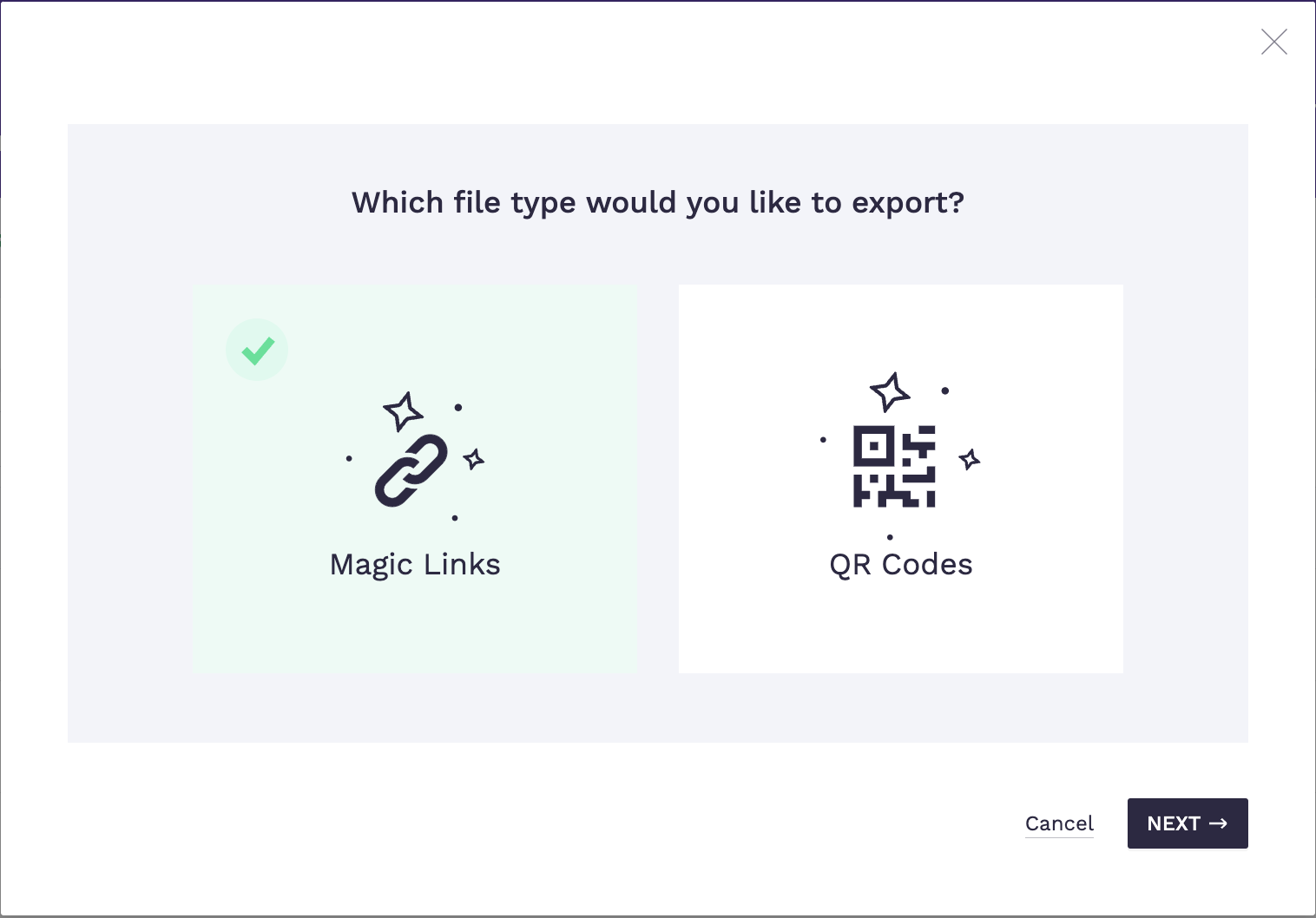
Select Magic Links then click NEXT
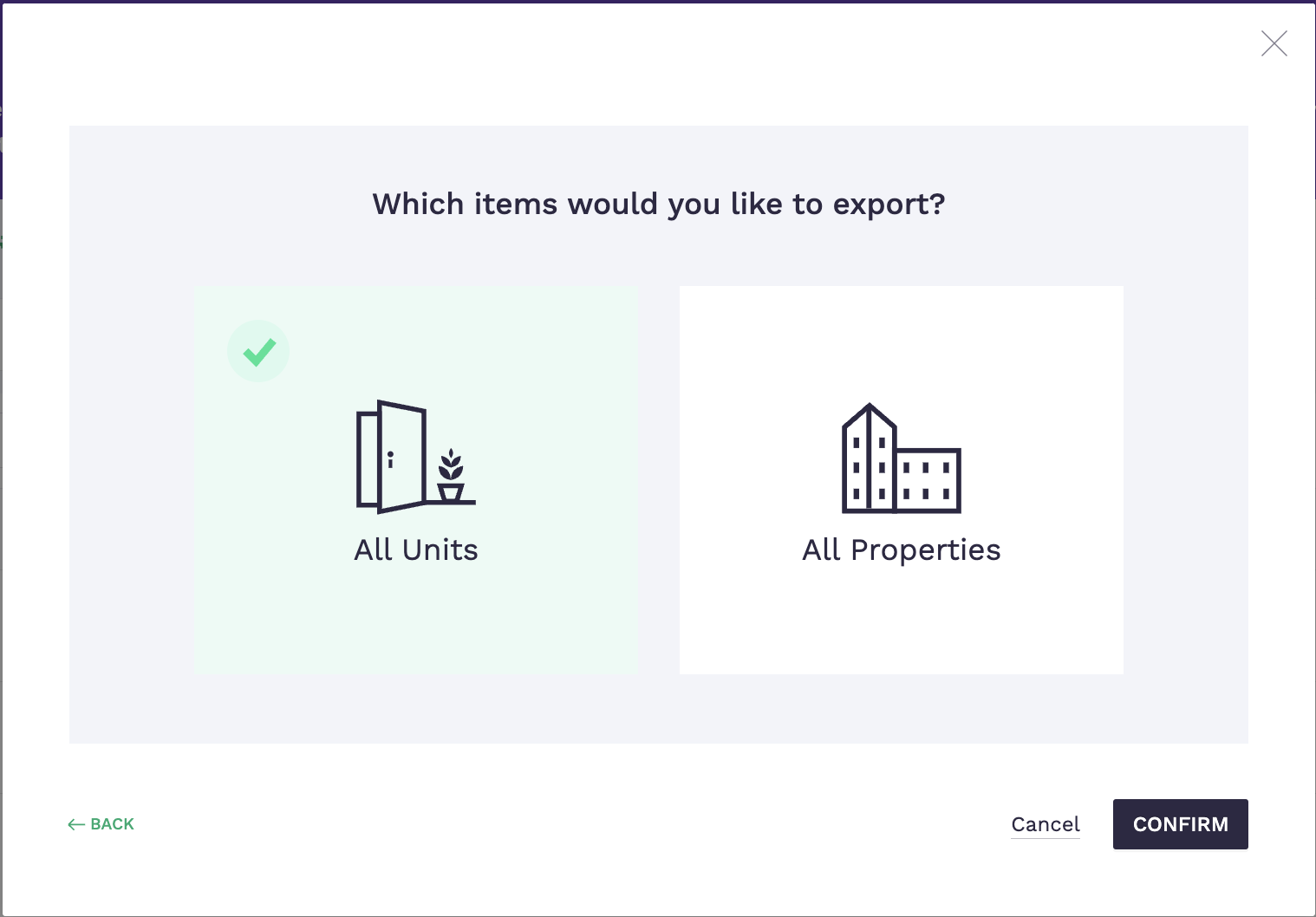
Select All Units then click CONFIRM
Go back to Settings then click on Download Center
Select the file and click DOWNLOAD
The report will download into a CSV.
Note:
All units will appear for all properties.